Cleaning business software is defined as a purpose-built platform that centralises scheduling, client management, invoicing, staff coordination, and automated workflows into a single system. The best cleaning business software examples share one trait: they replace disconnected spreadsheets and phone calls with unified operations. Integrated platforms reduce admin time by 60–80% and increase revenue by 25–35% within the first year. That is not a marginal gain. It is the difference between a business that grows and one that stalls under its own paperwork. This guide covers the key features, software categories, and real operational examples you need to choose the right cleaning service software for your business.
What are the key cleaning business software examples features?
The role of cleaning business software is to replace manual coordination with automated, repeatable systems. Every platform worth considering covers five functional areas: scheduling, client relationship management (CRM), invoicing, mobile field coordination, and workflow automation.
Scheduling and dispatch sits at the core. Recurring job management, mobile coordination, and automation are the three features most directly tied to operational efficiency. Without native recurring schedule support, your office staff manually re-books every repeat client, which wastes hours each week.
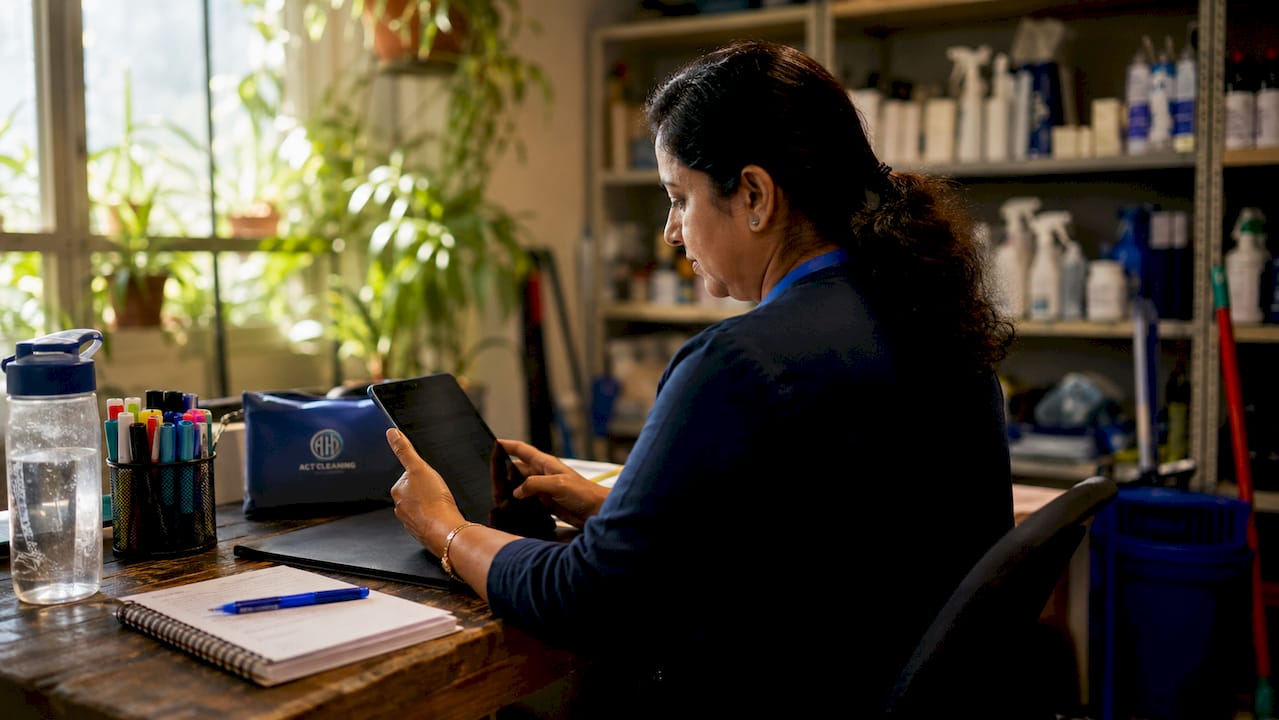
CRM and client communication tracks job history, preferences, and contact details in one place. Good cleaning company software sends automated booking confirmations, reminders, and follow-up messages without anyone lifting a finger.
Invoicing and payment processing closes the revenue loop. Platforms that own the payment gateway keep transaction data inside the system, which makes reconciliation fast and reduces unpaid invoices. The complexity of commercial cleaning invoicing is often underestimated, especially when managing multiple sites and billing cycles.
Mobile apps for field staff let cleaners check job details, mark tasks complete, and upload photos from the job site. This is not a nice-to-have. It is the primary interface your crew uses every day.
Automation and workflows handle the repetitive tasks: sending quotes, assigning crews, triggering invoices after job completion, and flagging overdue payments. Without automation, growth means hiring more admin staff rather than more cleaners.
- Scheduling with drag-and-drop dispatch boards
- Automated recurring bookings with crew rotation
- Client portal for self-service bookings and history
- In-app invoicing with integrated payment gateways
- Mobile job cards with photo upload and GPS check-in
- Automated SMS and email reminders to clients and staff
- Reporting dashboards for revenue, job completion, and staff performance
Pro Tip: Run a data migration audit before switching platforms. Importing messy client records or duplicate job histories causes scheduling and invoicing errors from day one. Clean your data before import to avoid compounding errors that take weeks to untangle.
Why integrated platforms outperform point solutions
90% of growing cleaning businesses prefer all-in-one integrated platforms over multiple specialised tools. The reason is straightforward: syncing a separate scheduling app, a standalone invoicing tool, and a third-party CRM creates data gaps and doubles the admin work.
When a client reschedules through one system, that change must flow instantly to the crew app, the invoice, and the client record. Point solutions rarely sync in real time. The result is double-bookings, missed jobs, and invoices sent for work that was never done.
Integrated cleaning job management software solves this by holding all data in one database. A schedule change updates the crew app, the client record, and the billing queue simultaneously. That data consistency is what managing multiple cleaning crews efficiently actually requires at scale.
Mobile-first design is the other critical factor. Complex apps with too many menus get abandoned by field staff within weeks. The best cleaning apps use simple job cards, one-tap status updates, and clear photo upload prompts. When cleaners actually use the app, the data flowing back to the office is reliable.
GPS tracking and photo proof of work are not just accountability tools. They are trust-building features that reduce client disputes and improve retention. A client who receives a timestamped photo of their completed clean is far less likely to query the invoice.
Key operational gains from integrated platforms include:
- Route optimisation that cuts travel time between jobs
- Automated no-show alerts sent to supervisors
- Real-time crew location visibility for dispatch decisions
- Unified client history accessible from any device
- Single login for office staff and field supervisors
What categories of cleaning business software exist?
Cleaning service software falls into five broad categories. Understanding each one helps you match the right tool to your business size and complexity.
Scheduling-focused platforms are the entry point for most small operators. They handle bookings, calendars, and basic dispatch. Pricing for entry-level tools starts at free or under $50 per month, making them accessible for sole traders and businesses with fewer than five staff.
CRM-led platforms prioritise client relationship tracking, quote management, and communication history. These suit businesses where sales and repeat client retention are the primary growth levers.
Invoicing and payments platforms focus on billing accuracy, payment gateway integration, and financial reporting. They work well for commercial cleaning operators managing complex multi-site billing.
Staff management platforms centre on rostering, timesheets, compliance tracking, and payroll integration. Janitorial software solutions at the enterprise end of the market often include these features alongside scheduling.
All-in-one platforms combine all five categories. Enterprise-grade options can cost $400–$500 per month or more, but they eliminate the need for any secondary tools. For businesses with 10 or more staff and multiple service types, the cost is justified by the admin hours saved.
| Category | Core features | Best for | Approximate monthly cost |
|---|---|---|---|
| Scheduling-focused | Bookings, dispatch, calendar | Solo operators, startups | Free to $50 |
| CRM-led | Client records, quotes, comms | Sales-driven businesses | $30 to $100 |
| Invoicing and payments | Billing, gateways, reporting | Commercial operators | $50 to $150 |
| Staff management | Rostering, timesheets, payroll | Teams of 5 or more | $80 to $200 |
| All-in-one platforms | All of the above | Growing and enterprise | $150 to $500+ |
Pro Tip: Solo operators and startups should start with a free or low-cost scheduling tool and add invoicing features only when recurring revenue justifies the upgrade. Paying for enterprise features before you need them drains cash without adding value. A good guide to how cleaning quotes work can help you set pricing before you build your billing system.
Building a scalable workflow before selecting software is equally important. Software cannot fix a broken process. It amplifies whatever system you already have.
How software examples solve real operational challenges
The most useful way to evaluate cleaning business management tools is to match each feature to a specific operational problem. Generic field service management tools often lack cleaning-native workflows, which forces manual workarounds and defeats the purpose of automation.
Here is how purpose-built cleaning service software addresses the most common challenges:
- Recurring bookings with crew rotation. Automated systems assign the same cleaner to the same client each week, then rotate to a backup when the primary cleaner is unavailable. Automated crew rotation saves approximately five hours of office coordination time each week for a business running 30 or more recurring jobs.
- Multilingual team communication. Some mobile platforms support in-app messaging in multiple languages, which reduces miscommunication in diverse crews. This is particularly relevant for Australian cleaning businesses operating in metro areas with multicultural workforces.
- Integrated payment gateways. Platforms that own the payment flow, rather than redirecting to a third-party processor, keep all transaction data inside the system. This makes end-of-month reconciliation a 10-minute task rather than a half-day exercise.
- Digital proof of work. Photo proof of work and GPS tracking give clients verifiable evidence that the job was completed to standard. This feature directly reduces invoice disputes and improves cash flow stability.
- Workflow automation for busy schedules. When a booking is confirmed, the system can automatically assign a crew, send a client reminder, generate a job card, and queue an invoice for post-job delivery. That single automated chain replaces four manual tasks per booking.
The businesses that get the most from cleaning company software are those that map their current manual processes first, then select a platform that automates the highest-volume tasks. Starting with the biggest time drain, usually recurring bookings or invoicing, delivers the fastest return.
Key takeaways
The most effective cleaning business software integrates scheduling, CRM, invoicing, staff management, and automation into one platform, reducing admin by up to 80% and supporting sustainable growth.
| Point | Details |
|---|---|
| Integration beats point solutions | All-in-one platforms prevent data gaps that cause double-bookings and missed invoices. |
| Mobile design drives adoption | Simple, mobile-first job cards get used by field staff; complex apps get abandoned. |
| Data migration matters | Audit and clean client records before importing to avoid compounding scheduling errors. |
| Match category to business size | Entry-level tools suit startups; all-in-one platforms justify their cost at 10 or more staff. |
| Automate your highest-volume tasks first | Recurring bookings and invoicing deliver the fastest return when automated. |
What I have learned from watching cleaning businesses adopt software
The businesses that struggle most with software adoption share one mistake: they treat the platform as a fix for a broken process rather than a system for a working one. Software amplifies what you already do. If your scheduling is chaotic before you switch tools, it will be chaotic faster after.
Software becomes essential infrastructure once a cleaning business reaches three to five staff. At that point, verbal coordination fails and manual spreadsheets create errors daily. The question is not whether to adopt software. It is which platform fits your crew's actual behaviour.
My strongest recommendation is to test the mobile app with your cleaners before you commit to any platform. I have seen businesses invest in enterprise-grade systems only to find their field staff reverting to WhatsApp within a month because the app was too complex. Intuitive mobile design is the single biggest predictor of successful adoption.
Phase your implementation. Start with scheduling and client records. Add invoicing once the team is comfortable. Introduce automation after you have assessed which workflows actually repeat at high volume. Operators who implement capabilities progressively report far fewer rollback incidents than those who switch everything at once.
The cost argument is also worth addressing directly. Entry-level tools cost less than one hour of admin time per month. The ROI case for cleaning service software is not close. The only real risk is choosing the wrong platform and having to migrate twice.
— Deng
Professional cleaning backed by systems that work
Choosing the right software is one part of running a reliable cleaning business. The other part is having service standards that the software is built to support.
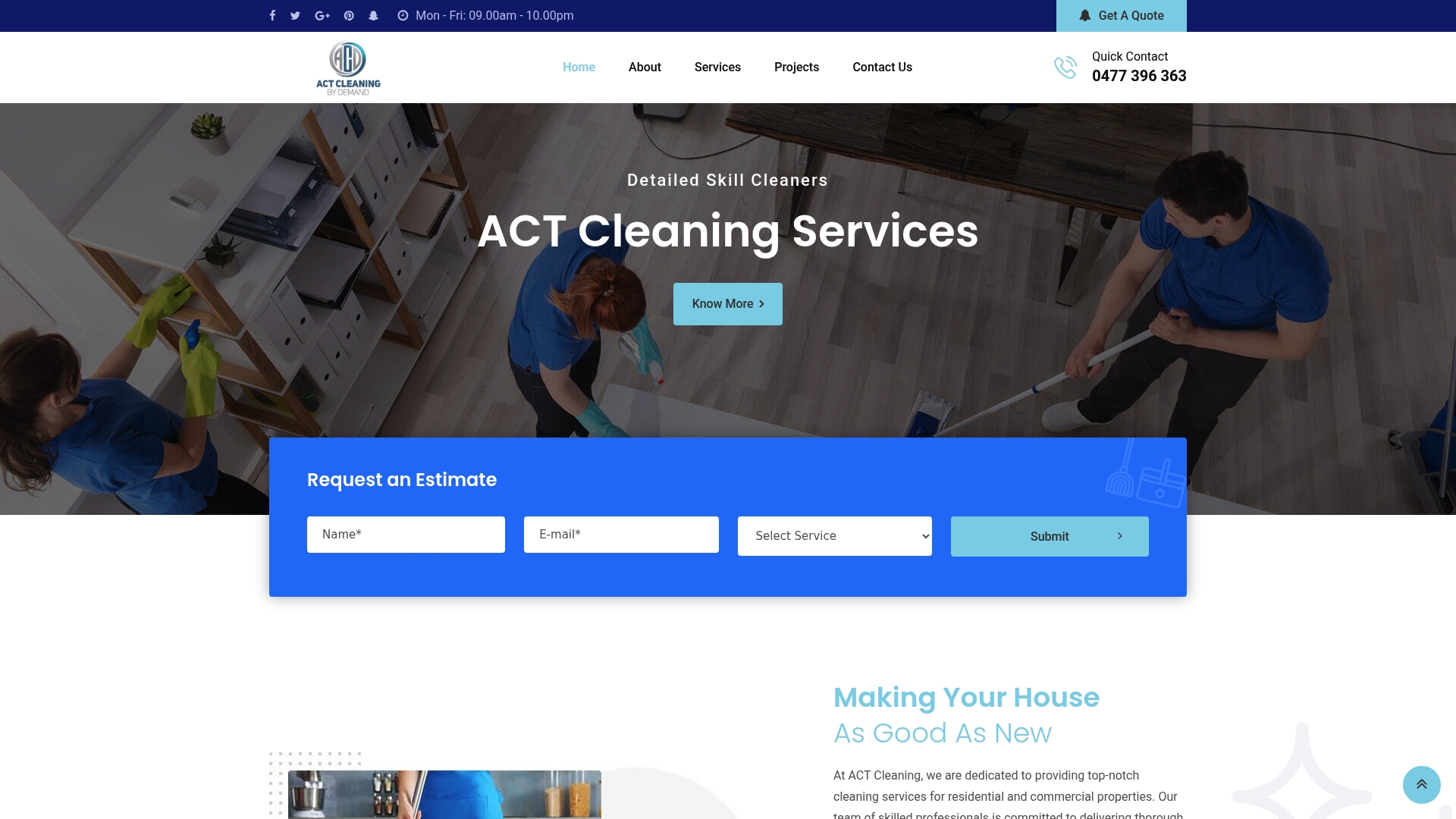
Com delivers customised residential and commercial cleaning packages across Canberra, with a booking process designed to be fast and straightforward. Whether you need a one-off professional window clean or a recurring house cleaning schedule, Com's operational systems keep jobs on time and communication clear. For clients who want cleaning tailored to their specific property and schedule, Com's custom cleaning packages cover everything from end-of-lease cleans to regular home maintenance. Reliable service starts with reliable systems.
FAQ
What is cleaning business software?
Cleaning business software is a platform that manages scheduling, client records, invoicing, staff coordination, and automation for cleaning companies. Purpose-built tools include cleaning-native workflows that generic field service apps do not offer.
How much does cleaning business software cost?
Pricing ranges from free or under $50 per month for entry-level scheduling tools to $400–$500 per month or more for enterprise all-in-one platforms. The right tier depends on your team size and the volume of recurring jobs you manage.
What features should I prioritise first?
Start with recurring booking management and invoicing, as these are the highest-volume tasks in most cleaning businesses. Automation and staff management features deliver the most value once core scheduling is running reliably.
Why do integrated platforms outperform separate tools?
Integrated platforms hold all data in one database, so a schedule change updates the crew app, client record, and billing queue at the same time. Separate tools rarely sync in real time, which creates double-bookings and invoicing errors.
Is cleaning business software worth it for small operators?
Software adoption is essential for any cleaning business with three or more staff. Entry-level tools cost less than one hour of admin time per month and prevent the coordination errors that damage client retention.